Cell Feedback
Flag a wrong (or great) AI answer right from your List — it helps us trace the logic and improve accuracy.
If an enriched answer looks off — or the AI nailed it — you can leave feedback on that exact cell. Because it's tied to a specific cell, we can trace the logic, sources, and steps behind the answer and get you a fix or a better result faster.
How to leave feedback
- Right-click the cell you want to flag.
- Choose Edit Feedback from the menu.
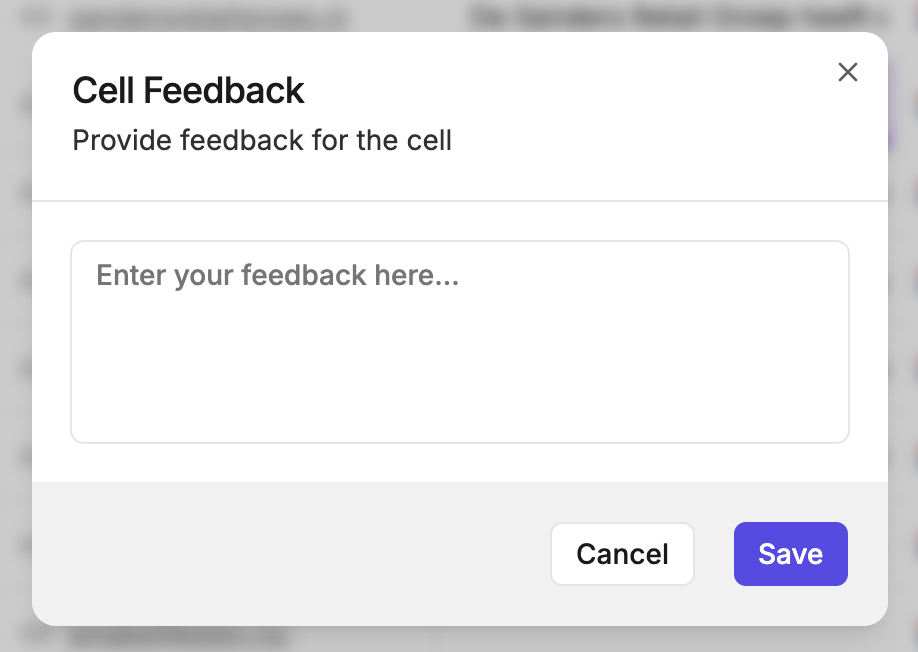
- Type what's right or wrong in the box, then click Send Feedback.
What to include
It's a single free-text box, so a sentence or two is plenty. The more specific you are, the faster we can diagnose:
- If something's wrong — what's incorrect, what you expected instead, and whether any sources were off or missing.
- If it worked well — what made the answer helpful, and which sources were spot-on.
TIP
Want to see why a cell returned what it did before you flag it? Click the cell to open Cell Details — the reasoning and sources are right there.